




If you created an account with Manage My Account (MMA) in the past, you will still need to create a new account. Your username and password will not automatically transfer to the new system.
If you have created an account, but forgot your username or password, go to Edfinancial.StudentAid.gov/MyAccount, and click on “Forgot User ID” or “Forgot Password”.
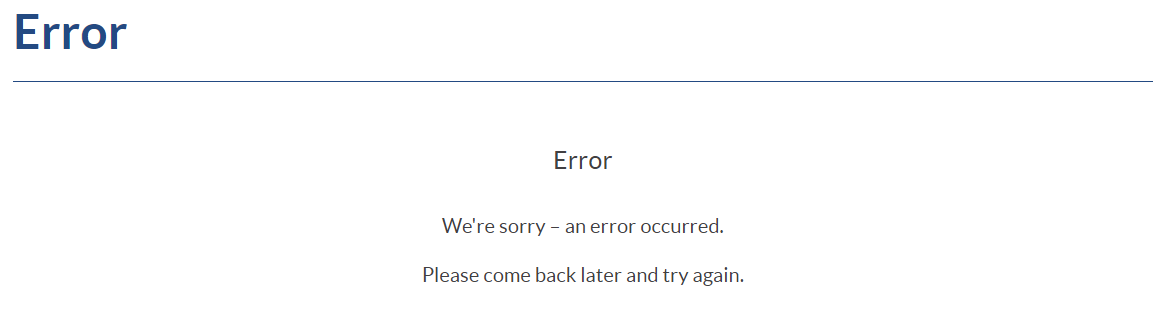
If you are encountering an error page that looks like the following, close the tab, go to Edfinancial.StudentAid.gov/MyAccount and navigate from there. You may experience this error if you try to go back a page, or if you tried to go directly to the secure login page. If you need to bookmark the page, be sure that the link you bookmark matches https://Edfinancial.StudentAid.gov/MyAccount.
If you’re still experiencing issues with logging in, or if you are receiving an unexpected error message, feel free to contact us for further assistance. Please note the type of error you received and the time so we can better research the issue.